

Overview
The App Preferences module allows users to configure how advertisements are played within the Plum Tunes application. These settings help restaurants manage the frequency and placement of advertisements between songs to create a balanced customer listening experience.
The module is divided into configurable sections that determine when and how often advertisements will play during music playback, as shown in Figure 2.4.
App Preference Configuration
Ad Frequency Offset (Songs)
This setting defines the number of songs that will play before an advertisement is triggered.
For example, entering a value of 6 means that an advertisement will play after every six songs.
Ad Play Count
This setting defines the number of advertisements that will play once the configured song interval is reached.
For example, entering a value of 1 means that one advertisement will be played after every six songs, based on the configured Ad Frequency Offset value.
These settings help users control advertisement frequency and optimize the in-store audio experience for restaurant customers.
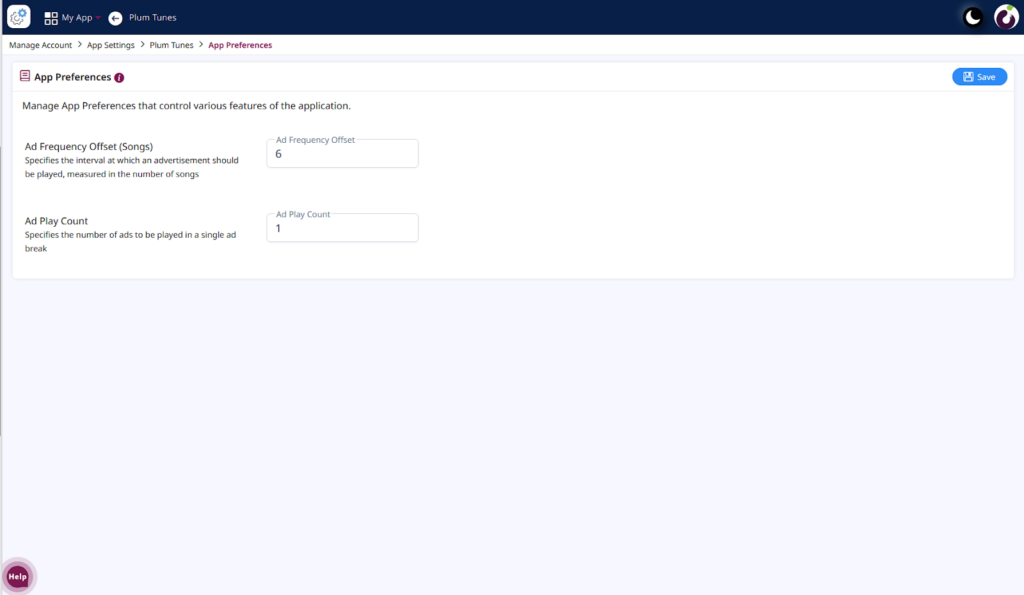
Figure 2.4: App Preferences Module Configuration Screen