Functions (Crew vs Manager) in Plum POS
Introduction In Plum Point of Sale, we have different functions to perform, and we



Introduction In Plum Point of Sale, we have different functions to perform, and we
Introduction In this document, we will briefly describe the Quick Sales and Table
Steps to Place an Order: Step 1: Log into the terminal using your
Introduction You can adjust the display settings of your terminal. You can change between
How to add Missing/previous sales data for previous Years ? Update the Sales for
Introduction Employees added into the system get synced across all applications giving them access
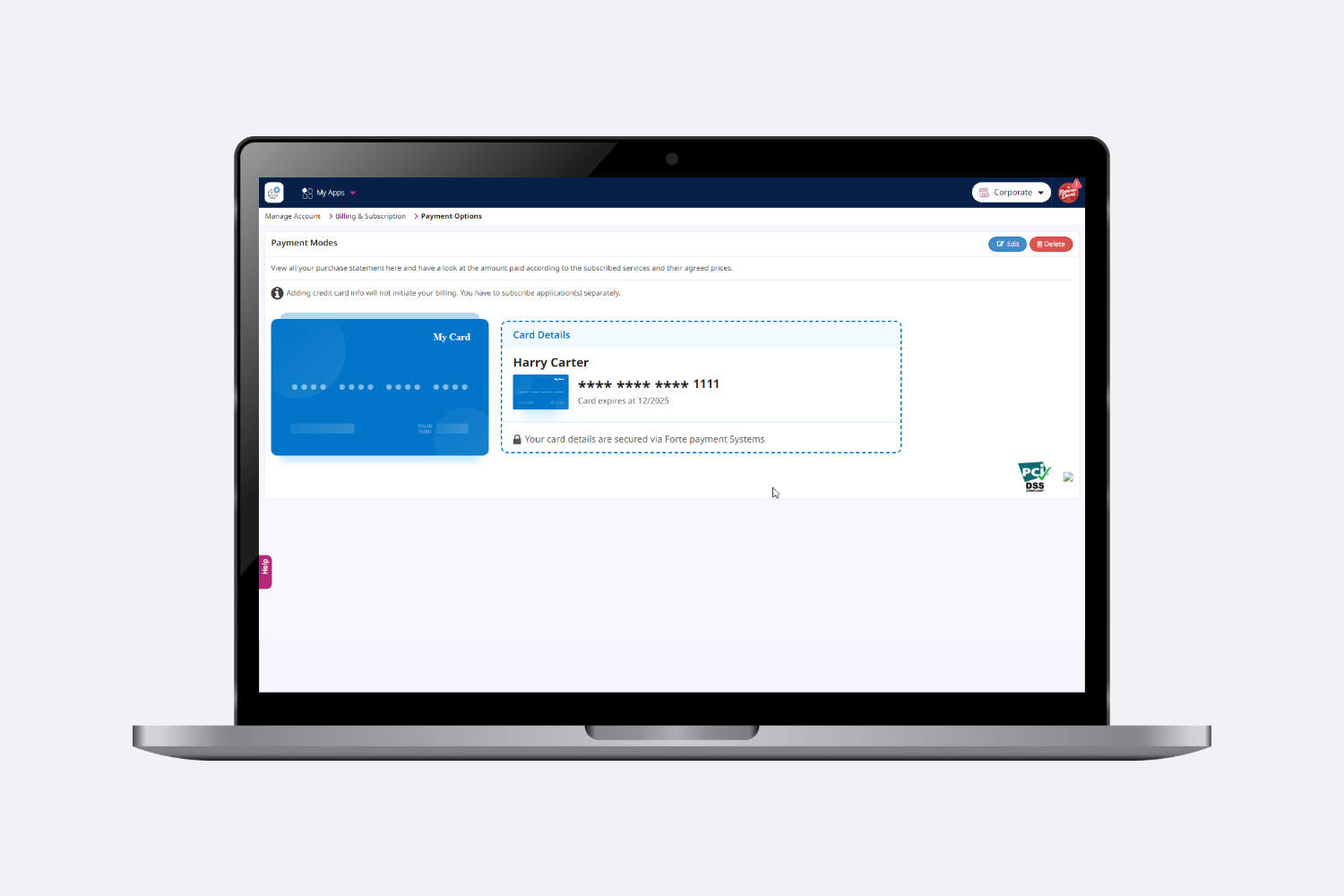
Steps to Add Credit Card Information Below are the steps that can also be
Introduction This document will outline in detail the steps that are required to
Introduction In the Devices section we brand Plum POS Terminal by configuring Terminal’s
Getting Started with Plum POS Introduction Welcome to Plum POS. This is a